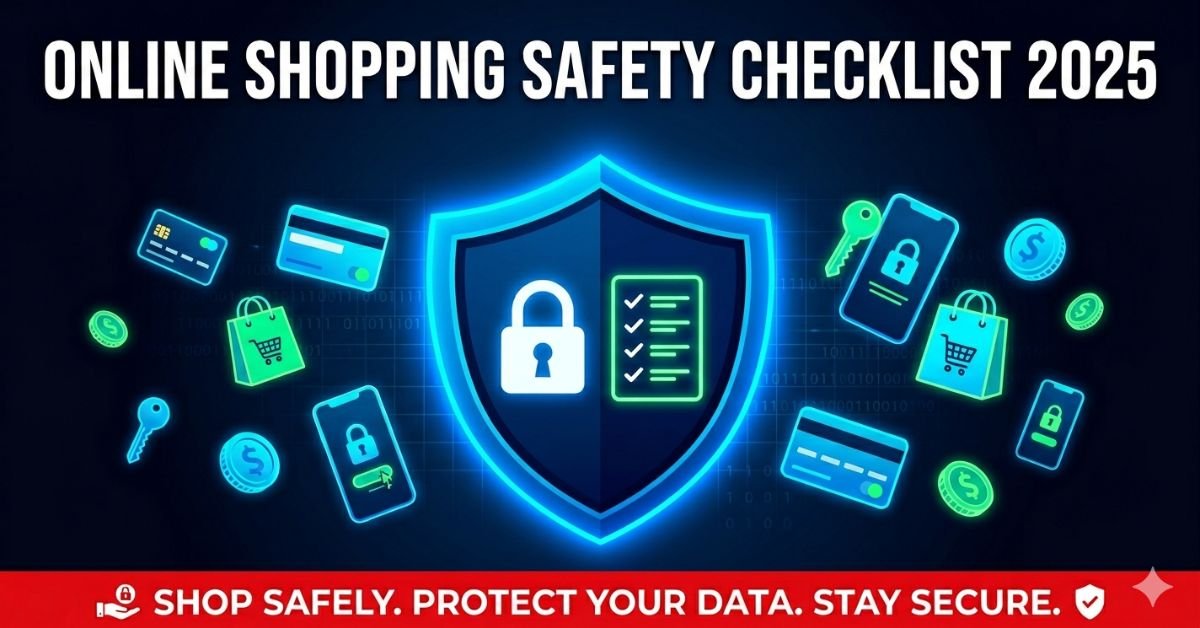
✅ The Complete Online Shopping Safety Checklist
1. Verify the Website’s Security (HTTPS)
Before entering any personal or payment information, always check that the website URL begins with https:// — the “S” stands for secure. A padlock icon in your browser’s address bar is a strong indicator, but always cross-reference the domain name for sneaky typos like “amaz0n.com” or “paypa1.com.” This is step one of any online shopping safety checklist for good reason.
2. Research the Retailer Before You Buy
Never purchase from an unfamiliar site without doing your homework. Search for reviews on Google, Trustpilot, or the Better Business Bureau. If a site has no reviews, no clear contact information, or an address that leads nowhere, walk away. Legitimate retailers are always transparent about who they are and how to reach them.
3. Use Strong, Unique Passwords for Shopping Accounts
Reusing the same password across multiple accounts is one of the most dangerous habits in online shopping. Use a password manager to generate and store unique passwords for every retailer account. Always enable two-factor authentication (2FA) wherever it’s offered — it’s a non-negotiable item on any secure online shopping checklist.
💡 Pro Tip: Password managers like Bitwarden (free) and 1Password (premium) eliminate credential recycling risk entirely. Set one up today — it takes under 10 minutes and protects you across hundreds of sites.
4. Shop Only on Secure, Trusted Wi-Fi Networks
Public Wi-Fi at cafes, airports, or hotels is a playground for hackers using “man-in-the-middle” attacks. Always use your mobile data or a trusted home network when making purchases. If you absolutely must shop on public Wi-Fi, use a reputable VPN (Virtual Private Network) to encrypt your connection and mask your activity.
5. Use Credit Cards or Virtual Cards — Never Debit
Credit cards offer far stronger fraud protection than debit cards. Most credit card providers have zero-liability policies for unauthorized charges. For even greater security, use virtual card numbers — offered by services like Privacy.com — which generate single-use card numbers that expire immediately after one transaction, making them useless to any fraudster who might intercept them.
6. Check the Return and Refund Policy First
A legitimate retailer will always have a clear, accessible return and refund policy. If a site buries this information, contradicts itself, or has no policy at all, treat it as a serious red flag. Knowing your rights before you click “buy” is a critical step in every online shopping safety checklist.
7. Avoid Deals That Seem Too Good to Be True
Impossibly low prices — like a brand-new laptop for $49 — are classic lures used by fraudulent shops. If a price is dramatically lower than the market value across other legitimate retailers, be suspicious. Scammers exploit impulse buying by engineering urgency. Always verify a deal on at least two other trusted platforms before purchasing.
⚠️ Red Flag Alert: Sites with aggressive countdown timers, relentless pop-ups, and prices 70–90% below retail are almost always scams designed to pressure you into making impulsive, unverified purchases.
8. Enable Real-Time Purchase Notifications
Set up instant text or email alerts on your bank account and credit cards. This allows you to catch unauthorized charges the moment they happen — well before they escalate. Most banks offer this feature free in their mobile apps, and enabling it takes less than two minutes.
9. Look for Trust Badges and Certifications
Authentic online stores often display verified trust badges from organizations like Norton, McAfee Secure, or the BBB. While badges can sometimes be faked, their complete absence on a site requesting sensitive payment data is always a warning sign. Click on any badge to verify it links to a real, active certification page.
10. Be Extremely Cautious with Email Links
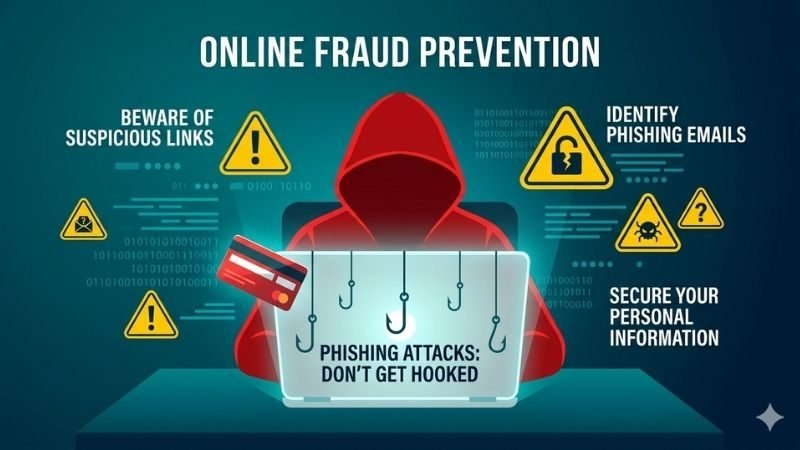
Phishing emails remain the single most common method hackers use to steal shopping credentials. Never click a link inside a promotional email or “order confirmation” from an unknown sender. Instead, manually type the retailer’s URL directly into your browser. Legitimate companies will never request your password or full card number via email.
11. Review App Permissions Before Installing Shopping Apps
Many counterfeit shopping apps request excessive permissions — microphone, contacts, location — that have no relevance to shopping. Always download retail apps directly from the official Apple App Store or Google Play. Scrutinize reviews and check the developer’s name against the official brand website before installing anything.
12. Keep Your Device, Browser, and Software Updated
Software updates patch security vulnerabilities that hackers actively exploit. Keeping your browser, operating system, and antivirus software current is one of the simplest yet most overlooked items on any online shopping safety checklist. Enable automatic updates so you’re never running unpatched software when you shop.
13. Verify Charges Within 48 Hours of Every Purchase
Don’t wait for your monthly statement. After any online purchase, log into your account and verify the exact charge within 48 hours. Fraudsters commonly test stolen cards with micro-charges of $1–$3 before running larger unauthorized transactions. Catching these early is critical to stopping further damage.
14. Use PayPal, Apple Pay, or Google Pay When Available
Digital wallets create a critical layer of anonymity between you and the retailer — they never see your actual card number. Services like PayPal also offer built-in buyer protection programs that can refund you if an item never arrives or is significantly misrepresented. Whenever available, choose a digital wallet over entering raw card details.
15. Trust Your Instincts — If It Feels Wrong, Stop
Your instincts are a powerful security tool. If a website loads slowly, has broken English throughout, uses stolen stock photos for products, or bombards you with pop-ups, stop and close the tab. No deal is worth the risk of identity theft or financial fraud. Legitimate retailers never pressure you into hasty decisions.
If you are on a smaller budget, you can also explore best home gadgets under $500 for affordable daily-use options.
Quick-Reference Summary: Online Shopping Safety Checklist
Bookmark this list and run through it before every online purchase — especially on sites you haven’t used before.
- Confirm HTTPS and padlock icon before entering any data
- Research the retailer — check Google reviews, BBB, and contact info
- Use unique, strong passwords and enable 2FA on all accounts
- Avoid shopping on public Wi-Fi — use VPN if necessary
- Pay with a credit card or virtual card number, not debit
- Read the return and refund policy before clicking buy
- Ignore unrealistically low prices and high-pressure countdown tactics
- Enable real-time purchase notifications from your bank
- Click on trust badges to verify they’re genuine and active
- Never click email links — always type the URL manually
- Check app permissions before installing any retail app
- Keep your browser, OS, and antivirus fully updated
- Verify charges within 48 hours of every purchase
- Use PayPal, Apple Pay, or Google Pay wherever possible
- Trust your gut — if something feels off, don’t proceed
Final Thoughts: Make Safety a Shopping Habit
Online shopping is one of the greatest conveniences of modern life — but only when done safely. By following this online shopping safety checklist every time you buy, you dramatically reduce your exposure to fraud, identity theft, and financial loss. The few extra seconds each check takes could save you hundreds — or thousands — of dollars.
📌 Bookmark this page, share it with friends and family, and shop with confidence knowing you’re fully protected. Have a tip we missed? Drop it in the comments below!